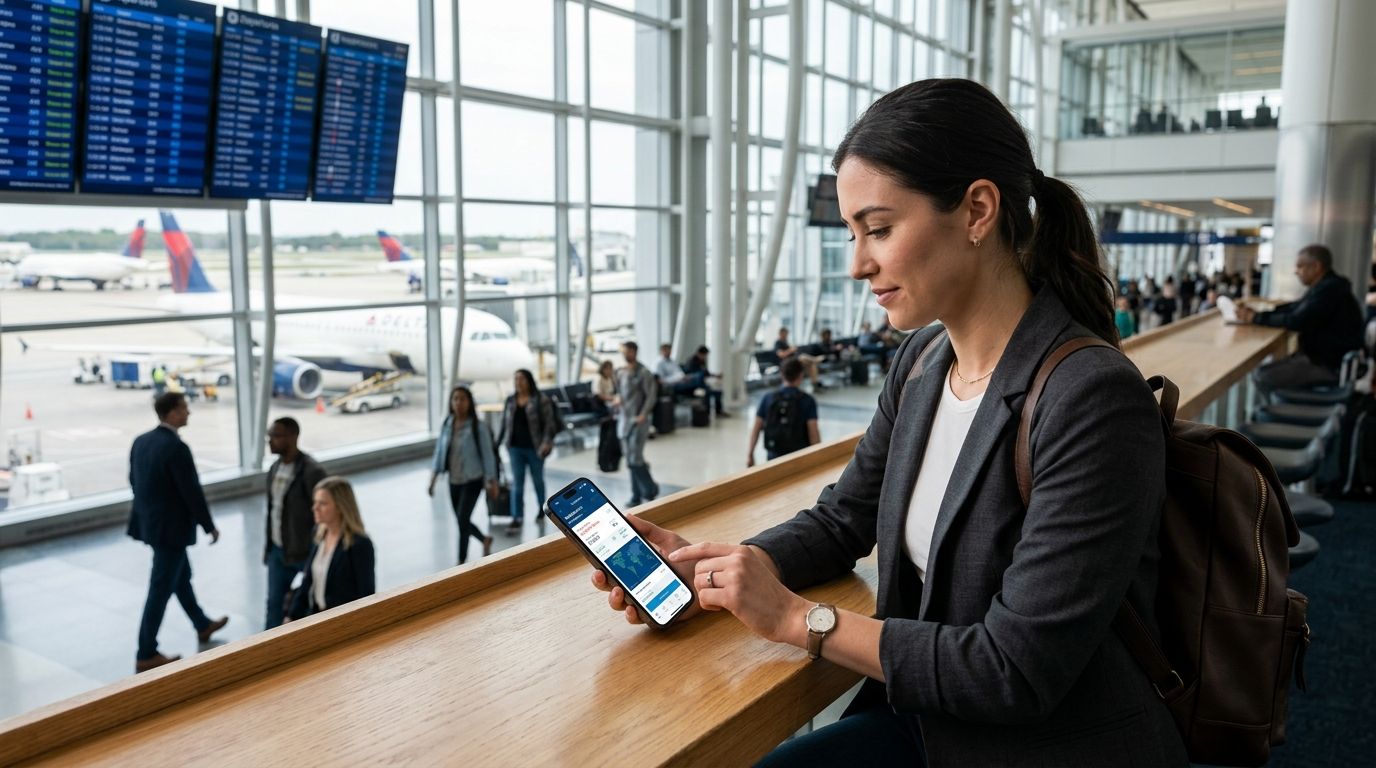
Flight tracking apps show you where a plane is right now. Flight delay prediction tools show you the risk before you even book. In 2026 the best setup uses both — and this guide ranks the apps that matter for each job.
- FlightAware wins overall for live position tracking across the widest carrier list in 2026.
- DelayGuard is the best flight tracking apps pick for checking delay risk before you book, covering 65+ US airports.
- Flighty is the strongest choice for iOS travelers who want proactive delay alerts on booked flights.
- Google's built-in flight status search is the free, no-download option for a single quick check.
- TripIt still leads for multi-flight itinerary tracking, not real-time delay risk.
Why this matters
Most flight trackers answer one question: where is my plane and is it late right now. That's useful once you're already booked and the flight is in the air.
It doesn't help you avoid the delay in the first place. Newark delays 26% of flights, LaGuardia 24%, Philadelphia 22% — the New York-Philadelphia corridor structurally underperforms because of shared, congested airspace. A live tracker won't tell you that before you pick a flight. A flight delay risk check will.
The distinction matters more in 2026 than it did a few years ago. Airspace capacity cuts at hubs like SFO have pushed delay rates up during peak windows, and airlines keep scheduling aircraft aggressively regardless. Picking the right tool for the right moment — booking versus boarding — is the actual skill here.
What makes the best flight tracking app
- Data source quality — ADS-B ground receiver networks beat scraped airline status pages for live position accuracy.
- Predictive vs. reactive — does the app warn you before a delay happens, or only report it after the gate agent already knows.
- Coverage — number of airports and carriers actually supported, not just claimed.
- Itinerary handling — single-flight lookup versus full trip management across connections.
- Free tier usefulness — can you actually get value without paying, or is the free version a demo.
- Platform availability — iOS-only tools cut out a large share of travelers outright.
At a glance
| App | Best for | Standout feature | Key limitation |
|---|---|---|---|
| DelayGuard | Checking delay risk before booking | AI risk score across 65+ US airports | No live in-air position tracking |
| FlightAware | Live position tracking | ADS-B ground receiver network | No pre-booking risk scoring |
| Flighty | Proactive delay alerts on booked flights | Push alerts ahead of official airline notices | iOS only, no Android app |
| TripIt | Multi-flight itinerary management | Auto-builds trip plans from confirmation emails | Not built for real-time delay prediction |
| Google flight status search | Quick free single-flight check | Zero install, instant search result | No push alerts, no historical delay data |
| FlightStats | Airport-wide status boards | Full departure/arrival boards by airport | Interface built for ops use, not casual travelers |
1. DelayGuard: best flight tracking app for checking delay risk before you book
DelayGuard runs an AI model against major domestic airlines and 65+ US airports to score the delay risk of a specific route before you buy the ticket. It's built for the decision that happens before departure day, not the anxious refresh loop after you're already at the gate.
DelayGuard pros:
- Scores delay risk by route and time of day, not just by airport
- Covers 65+ US airports across major domestic carriers
- Free tier available for a basic risk check
DelayGuard cons:
- No live ADS-B position tracking once you're in the air
- Domestic US coverage only, no international routes
- Premium tier gates the deeper forecast history
Best for: travelers comparing two or three flight options and picking the one least likely to get delayed. Verdict: Buy — for the pre-booking decision specifically, nothing else on this list does it.
2. FlightAware: best flight tracking app for live position tracking
FlightAware pulls live position data from a network of ADS-B ground receivers, which is the same underlying signal air traffic systems use. It shows you where a specific tail number actually is, in real time, rather than a status derived from airline messaging alone.
FlightAware pros:
- Wide carrier and airport coverage globally
- Live map tracking down to altitude and speed
- Historical flight data available for route research
FlightAware cons:
- No predictive risk scoring before you book
- Free tier limits how much history and detail you see
- Interface skews toward aviation enthusiasts, not casual travelers
Best for: anyone who wants to watch a specific tail number move across the map in real time. Verdict: Buy.
3. Flighty: best for proactive delay alerts on flights you've already booked
Flighty tracks flights you've already booked and pushes alerts ahead of the airline's own notifications in many cases, using gate, crew, and aircraft-turnaround signals. It's built as a companion app for the trip itself, not a research tool for picking flights.
Flighty pros:
- Push notifications often land ahead of airline app alerts
- Clean, traveler-focused interface
- Tracks connections and gate changes automatically
Flighty cons:
- iOS only — no Android version
- Not designed for comparing unbooked flight options
- Deeper features sit behind a paid tier
Best for: iPhone travelers who want their booked flight watched for them. Verdict: Buy if you're on iOS; Skip if you're on Android.
4. TripIt: best for managing multi-flight itineraries
TripIt builds a master itinerary automatically from forwarded confirmation emails, which matters most when a trip involves three or four connecting flights across different airlines. It's an organization tool first, a tracking tool second.
TripIt pros:
- Auto-imports itineraries from email confirmations
- Handles hotels, car rentals, and flights in one timeline
- Works across airlines without manual entry
TripIt cons:
- Delay alerts are basic compared to dedicated trackers
- No delay-risk prediction before booking
- Best features require a paid subscription
Best for: frequent travelers juggling multi-leg trips who need one place to see the whole itinerary. Verdict: Hold — useful as a companion, not your primary delay tool.
5. Google flight status search: best free option for a single quick check
Searching an airline and flight number directly in Google surfaces a status card instantly, with no app download required. It's the fastest path to a single answer when you don't need ongoing monitoring.
Google flight status pros:
- No installation, works in any browser
- Instant results for a single flight number
- Free, no account required
Google flight status cons:
- No push alerts if status changes later
- No historical delay-rate data to inform future bookings
- Not built for tracking multiple flights at once
Best for: a one-time check on a friend's arrival time. Verdict: Buy for occasional use; Skip if you fly often enough to want alerts.
6. FlightStats: best for full airport departure and arrival boards
FlightStats shows the complete departure and arrival board for an entire airport, which matters when you're tracking connections or picking someone up and want the whole picture, not one flight in isolation.
FlightStats pros:
- Full airport-wide board view
- Useful for tracking connecting flights at a glance
- Covers a broad range of global airports
FlightStats cons:
- Interface feels built for operations staff, not casual users
- No delay-risk prediction before booking
- Less polished mobile experience than newer apps
Best for: checking an entire bank of arrivals or departures at once. Verdict: Hold — solid utility, dated execution.
How we ranked
Each app was scored against the six criteria above: data source quality, predictive versus reactive alerting, airport and carrier coverage, itinerary handling, free tier usefulness, and platform availability. Apps that only report status after the fact ranked below tools that flag risk before you book or before the airline announces a delay.
“A live tracker tells you your plane is late. A risk score tells you it was always going to be.”
Which flight tracking app should you choose?
If you're picking between two flight options next month, check delay risk with DelayGuard first — it's the only tool here scoring risk before you've paid for the ticket. Once you're booked, pair it with FlightAware for live position tracking or Flighty if you're on iOS and want proactive alerts. For a single quick check with zero setup, Google's flight status search still gets the job done in 2026.
Check your flight's delay risk
See the risk score for your route across 65+ US airports before you book.
FAQ
What's the best flight tracking app in 2026?
FlightAware is the best overall flight tracking app in 2026 for live position tracking using ADS-B data. For checking delay risk before you book, DelayGuard is the stronger pick since it scores risk ahead of time rather than reporting status after the fact.
Is DelayGuard better than FlightAware?
They solve different problems. DelayGuard predicts delay risk before you book across 65+ US airports; FlightAware tracks the live position of a flight already in the air. Most travelers benefit from using both at different stages of a trip.
Do flight tracking apps predict delays before booking?
Most flight tracking apps, including FlightAware and FlightStats, report status in real time rather than predicting risk before booking. DelayGuard is built specifically for the pre-booking decision using an AI model scored against historical route data.
Is Flighty available on Android?
No. Flighty is iOS only as of 2026, which rules it out for Android users who want proactive delay alerts on booked flights.
Why are Newark and LaGuardia flights delayed so often?
Newark delays 26% of flights and LaGuardia 24%, largely due to shared, congested airspace across the New York-Philadelphia corridor. The structural cause is regional airspace capacity, not any single airline's performance.
Are morning or evening flights less likely to be delayed?
Morning flights before 8 AM average 11% delayed, while flights after 8 PM average 33% delayed in 2026 data. Cascade delays build through the day, so earlier departures carry less accumulated risk.
Do I need both a tracking app and a delay prediction tool?
For frequent flyers, yes. Use a prediction tool like DelayGuard when choosing which flight to book, then switch to a live tracker like FlightAware or Flighty once the itinerary is set.
What's the free option for checking a single flight's status?
Searching the airline and flight number directly in Google surfaces a status card instantly with no app download, though it won't alert you if the status changes later.
One last thing
The gap between an 11% morning delay rate and a 33% evening delay rate is bigger than the gap between most airlines' overall performance. Before picking an app, pick a departure time — it moves the odds more than any tool on this list.
Related guides aren't listed here because the current linking allowance only covers the DelayGuard homepage referenced above.