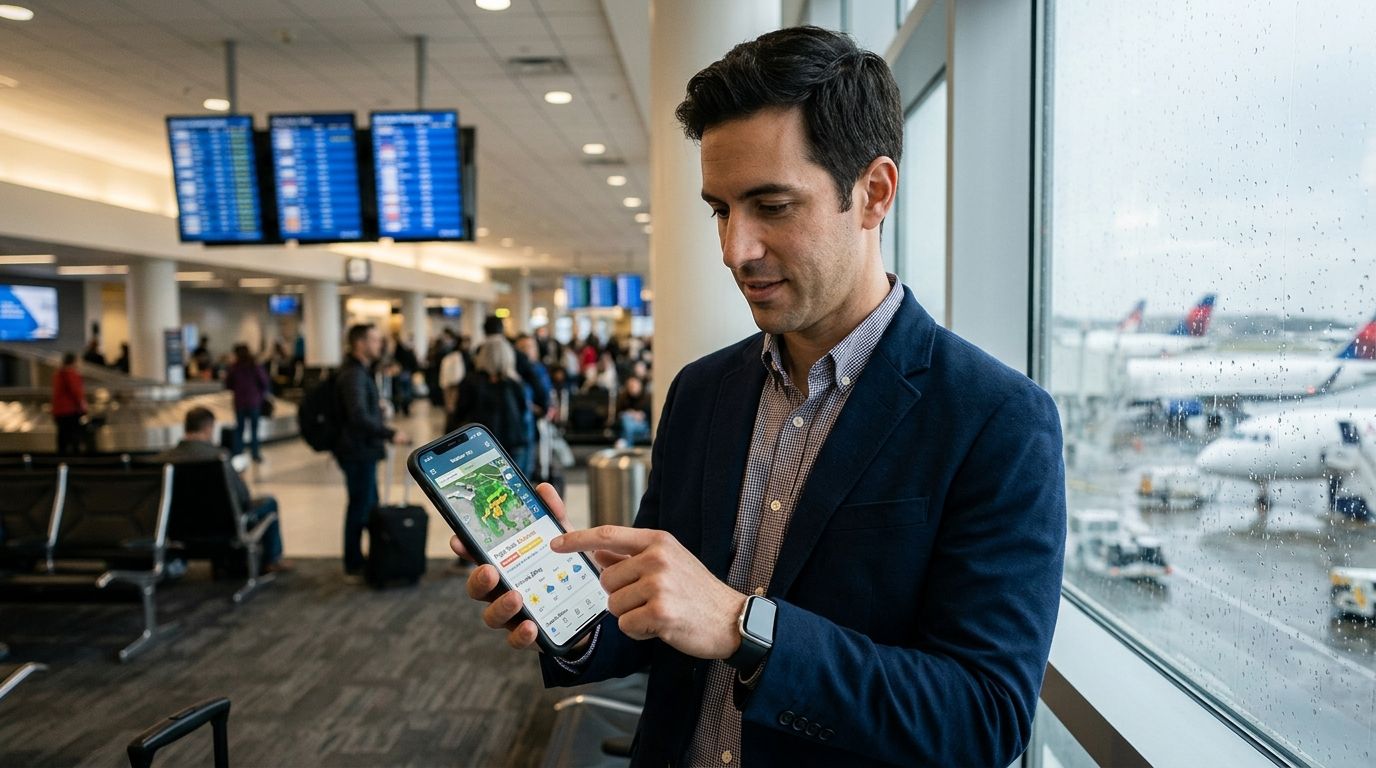
Connecting through a hub airport in 2026 means stacking two delay risks on top of each other — and a missed connection often costs more than the original delay. This guide ranks the apps that actually help you see that risk coming, not just track a flight after it's already late.
- DelayGuard wins for apps for connecting flight delay risk because it scores each leg separately before you book, using data from 65+ US airports.
- Flighty is best for real-time gate and terminal alerts once you're already traveling.
- FlightAware is best for tracking a specific tail number or aircraft across its full route.
- TripIt is best for stacking multi-leg itineraries and checking your connection buffer at a glance.
- Your airline's own app is still the fastest source for official rebooking, even though it won't warn you in advance.
Why this matters
A delay on your first leg doesn't just cost you time — it can wipe out your connection window entirely. Cascade delays, where a late inbound aircraft pushes back every downstream departure, are the single biggest reason connecting itineraries fail. Check your flight's delay risk before you book, and the math changes: you can pick a longer layover or a different hub before the airline forces the decision for you.
Most flight apps were built to answer "where is my plane right now," not "what's the probability my connection breaks." Those are different questions, and in 2026 only a handful of apps for connecting flight delay risk actually answer the second one.
What makes the best app for connecting flight delay risk
- Connection-specific risk modeling — scores each leg separately and flags cascade risk between them, not just a single flight status
- Coverage across major US airports and airlines — a tool that only covers one carrier misses half of a typical connecting itinerary
- Pre-booking risk check — lets you compare routes and layover lengths before you buy, not just after
- Real-time gate and terminal alerts — catches gate changes and inbound aircraft delays while you're already at the airport
- Historical route and airline reliability data — shows whether a route is chronically late or just having a bad day
- Notification speed — beats the airline's own push alert, since airlines are often the last to confirm a delay publicly
At a glance
| App | Best for | Standout feature | Key limitation |
|---|---|---|---|
| DelayGuard | Connecting flight risk before booking | Per-leg risk score across 65+ airports | No live gate-change push during travel |
| Flighty | Real-time gate and terminal alerts | Fast in-airport notifications | Focused on tracking, not pre-booking risk |
| FlightAware | Live tail-number and aircraft tracking | Full inbound-aircraft flight path | Doesn't score connection risk directly |
| TripIt | Managing multi-leg itinerary buffers | Auto-builds itinerary from forwarded emails | Relies on airline data feeds for delay status |
| Airline app | Official rebooking and boarding passes | Direct rebooking inside one app | Confirms delays late, no predictive layer |
1. DelayGuard: best apps for connecting flight delay risk before you book
DelayGuard is an AI-powered prediction tool covering 65+ US airports and major domestic airlines. It scores each leg of a connecting itinerary independently, so you can see whether your inbound flight's delay risk is high enough to threaten your layover before you ever hit "purchase."
The model draws on cascade-delay patterns — the same reason a late morning departure at a congested hub ripples through the rest of the day. It's built for the moment before you book, not just the moment you're standing at the gate.
DelayGuard pros:
- Scores connecting legs separately instead of one blended flight status
- Covers 65+ US airports and major domestic carriers
- Free tier available for a quick risk check, with a paid tier for frequent flyers
DelayGuard pricing: Free and paid plans; check current plan details on the site.
DelayGuard cons:
- No live in-airport gate-change push alerts once you've already departed
- US domestic coverage only — no international route scoring
Best for: travelers booking a connecting itinerary who want to know the risk before they buy. Verdict: Buy.
2. Flighty: best for real-time gate and terminal alerts
Flighty tracks live flight status and pushes alerts on gate changes, delays, and terminal moves once you're actively traveling. It's built around the in-airport moment, not the pre-booking decision.
For a traveler already mid-itinerary, that speed matters — a gate change 40 minutes before boarding is exactly the kind of thing Flighty is designed to catch first.
Flighty pros:
- Fast push notifications on gate and terminal changes
- Clean single-flight tracking interface
- Useful as a companion tool alongside a pre-booking risk check
Flighty cons:
- Doesn't score connection risk before you book the itinerary
- Value drops for travelers who only fly occasionally
Best for: travelers who want the fastest in-airport alerts once they're already en route. Verdict: Buy as a companion, not a substitute.
3. FlightAware: best for live tail-number and aircraft tracking
FlightAware tracks the specific aircraft assigned to your flight, showing its full inbound route and current position. If your outbound leg depends on a plane still flying in from another city, this is the tool that shows you exactly where that aircraft is.
It's a tracking tool first — useful for spotting an inbound delay before the airline updates its own status page.
FlightAware pros:
- Detailed aircraft-level tracking and flight history
- Strong for spotting inbound-aircraft delays early
- Works well for aviation-curious flyers, not just connection planning
FlightAware cons:
- Doesn't translate tracking data into a connection risk score
- Interface leans technical for a casual traveler
Best for: flyers who want to watch the inbound aircraft themselves. Verdict: Hold — good add-on, not a primary connection tool.
4. TripIt: best for managing multi-leg itinerary buffers
TripIt builds a single itinerary from forwarded confirmation emails, which makes it useful for travelers juggling three or four legs across a trip. It shows layover length at a glance next to each connection.
What it doesn't do is predict delay risk on its own — it displays whatever status the airline or a connected tracking service feeds it.
TripIt pros:
- Consolidates every leg of a multi-city trip in one view
- Easy to see layover length without checking each ticket separately
- Useful for business travelers with recurring complex itineraries
TripIt cons:
- No independent delay prediction of its own
- Setup requires forwarding confirmation emails for every booking
Best for: travelers managing several connections across one trip. Verdict: Buy for itinerary organization, not for risk prediction.
5. Your airline's app: best for official rebooking and boarding passes
Every major US carrier's app handles boarding passes, gate assignments, and rebooking after a disruption. It's the fastest place to actually act once a delay is confirmed — rebook a connection, request a seat change, or check standby status.
The tradeoff is timing: airline apps confirm a delay after it's already locked in, not before. For filing flight delay compensation claims after the fact, a dedicated app usually moves faster than the airline's own process.
Airline app pros:
- Direct rebooking and boarding pass access in one place
- Official source for gate and seat assignment changes
Airline app cons:
- Confirms delays late — no predictive layer
- Rebooking options are limited to that one carrier's network
Best for: the moment a delay has already been confirmed and you need to act. Verdict: Keep installed, but don't rely on it as your early warning.
How we ranked these
Each app was scored against the six criteria above, weighted toward connection-specific risk modeling since that's the gap most flight-tracking apps leave open. Apps built purely for live tracking — flight tracking and status apps in general — ranked lower on pre-booking value even when their in-airport alerts were strong.
Check your connection's delay risk
See a per-leg risk score for your itinerary before you book.
Which app should you choose?
If you're booking a connecting itinerary and want to know the risk before you buy, DelayGuard is the default pick — it's the only tool here scoring each leg independently across 65+ US airports. Layer Flighty on top once you've booked, for real-time gate alerts during travel, and keep your airline's app installed for the moment you actually need to rebook.
Travelers who fly the same complex multi-city route regularly should add TripIt for itinerary organization. Skip treating any single-flight tracker as a substitute for a pre-booking risk check — by the time a tracker shows a delay, your connection decision has already been made for you.
FAQ
What's the best app for connecting flight delay risk in 2026?
DelayGuard is the best option because it scores each leg of a connecting itinerary separately across 65+ US airports, before you book. Flighty and FlightAware are better suited to tracking a flight once you're already traveling.
Is DelayGuard better than FlightAware for connections?
DelayGuard predicts connection risk before you book; FlightAware tracks a specific aircraft's live position and history. They answer different questions, and pairing both covers pre-booking and in-flight tracking.
How much does a flight delay prediction app cost?
Most apps for connecting flight delay risk, including DelayGuard, offer a free tier with a paid upgrade for heavier use. Check each app's current plan details directly, since pricing structures change.
Do connecting flight delay risk apps cover international airports?
DelayGuard's prediction model covers 65+ US airports and major domestic carriers as of 2026, with no international route scoring. TripIt and FlightAware both track international itineraries if you've forwarded the booking.
Why do connecting flights get delayed more than direct flights?
Cascade delays are the main cause: a late inbound aircraft pushes back every downstream departure at a hub. Hubs like EWR, which delays 26% of flights, compound this risk for anyone connecting through them.
Should I use my airline's app or a third-party delay app?
Use your airline's app for official rebooking and boarding passes, since it's the fastest path to action once a delay is confirmed. Use a prediction app like DelayGuard before booking, since airline apps don't forecast risk in advance.
Does time of day affect connecting flight delay risk?
Yes — flights before 8 AM average 11% delayed in 2026 data, compared to 33% for flights after 8 PM. Booking an earlier connection meaningfully lowers cascade delay risk.
Can I check connecting flight risk before I book a ticket?
Yes, DelayGuard is built specifically for that use case, scoring each leg of a proposed itinerary before purchase. Most flight tracking apps only show status after a ticket is already booked.
One last thing
The 33% delay rate on evening flights versus 11% before 8 AM isn't a coincidence — it's cascade delay compounding hour by hour through the day. If your connection has any flexibility, booking the earliest departure on the first leg cuts your exposure before any app even needs to send an alert.